What is enveigh?
A local secrets vault for macOS and Linux, built for the age of coding agents: agents use your API keys without ever seeing them.
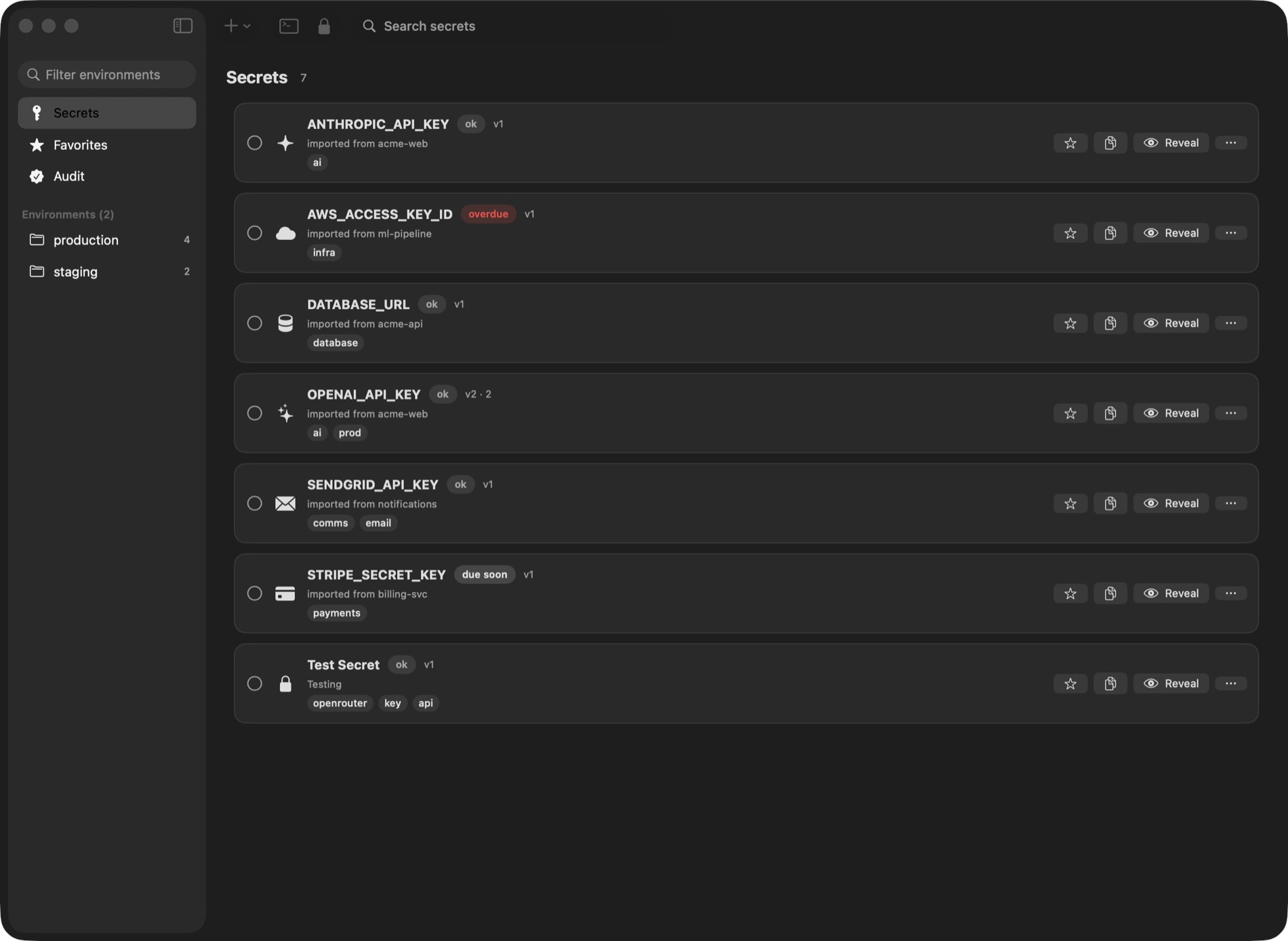
enveigh keeps your API keys, tokens, and connection strings in a local, encrypted vault
on your computer, and hands them to your tools at runtime. They never sit in a repo, a
.env file, a shell history, or an AI agent's context window.
The core idea is use, don't see: an agent (Claude Code, Cursor, Codex, …) can run your test suite, your dev server, or your deploy with every secret present as an environment variable, while the values are redacted from everything the agent reads back. The model never receives a plaintext key.
enveigh runs on your Mac and, as a terminal edition, on Linux (Ubuntu, Arch, Omarchy). See Linux. The local app is free and needs no account.
The CLI and your agents: a 37-second walkthrough
Why this exists, in 35 seconds
How the pieces fit
| Piece | What it is | Sees plaintext? |
|---|---|---|
| The app | The vault UI: secrets, environments, rotation, audit log, Touch ID lock (a terminal UI on Linux) | Yes, it is the vault |
| macOS Keychain | Where every secret value lives, device-only (a GPG password store on Linux) | N/A |
| The broker | A local socket the unlocked app exposes, so tools can request values | Yes (it serves them, policy-gated) |
enveigh CLI | Your terminal tool: enveigh run --env prod -- ./deploy.sh | Injects values into your command |
enveigh-mcp | The MCP server agents talk to | No, output is redacted by default |
Three properties hold on both systems:
- Values live in the Keychain, encrypted at rest, and flow only while the app is running and unlocked. When you lock or quit the app, every path stops.
- enveigh audits every value access. Reveal, render, export, CLI, and agent access all land in a local audit log before enveigh releases the value.
- Agents get a working environment, not keys. The default agent tool runs your command with secrets injected and returns output with the values redacted.
Where to go next
- Quickstart: install, import your
.envfiles, connect your agents. - Linux: install the terminal edition and set it up with one command.
- Builds & dev servers: why
npm run buildandnpm run devwork unchanged. - CLI reference: every command, with examples.
- MCP server: the agent tools, per-client scoping, and the reveal opt-in.
- Security model: what protects what, and from whom.