Quickstart
From download to your first agent run in about five minutes.
1. Install
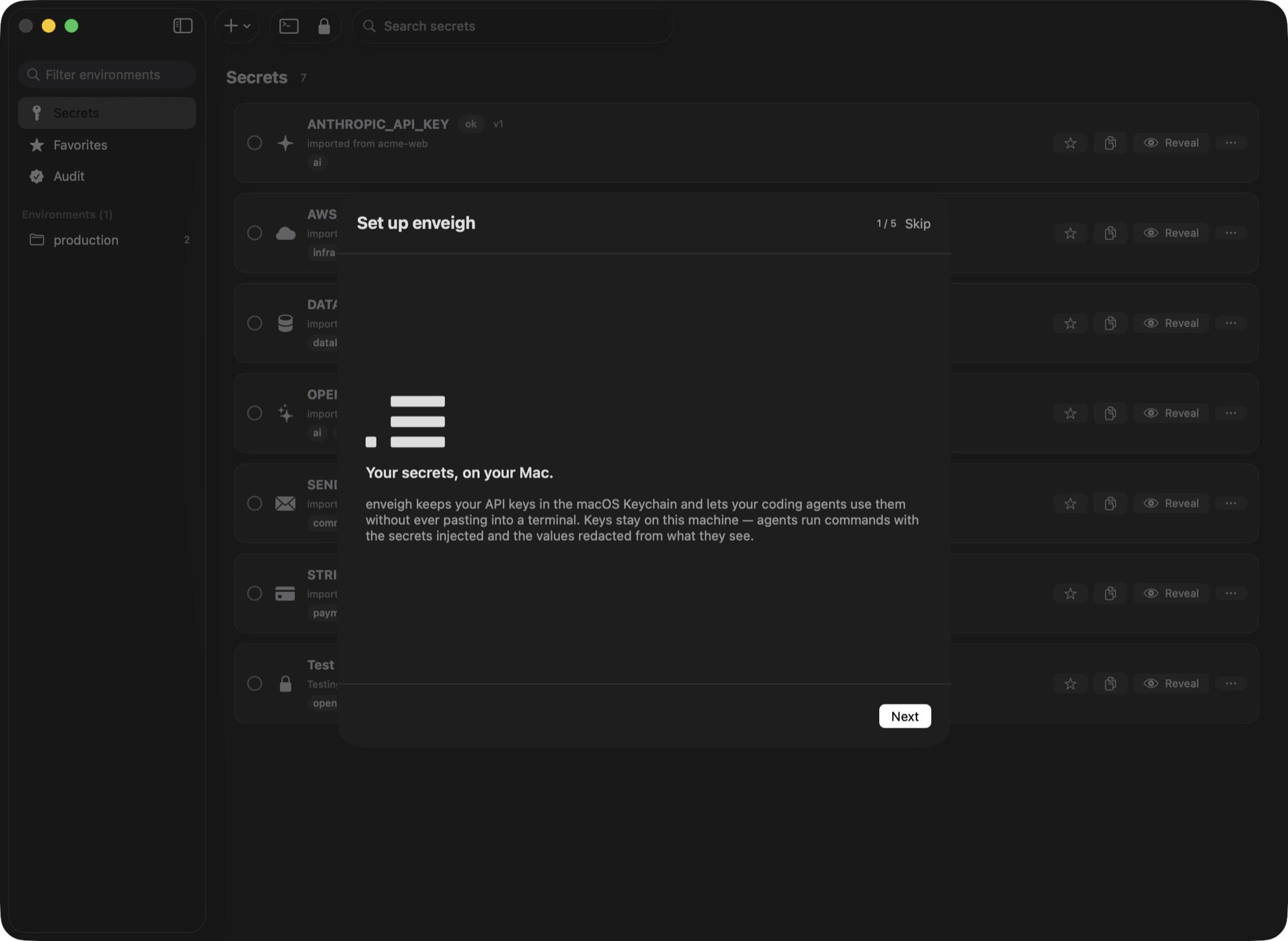
Download enveigh for macOS (macOS 26+, Apple Silicon & Intel, signed and notarized), open the dmg, and drag enveigh to Applications.
On first launch the app walks you through setup, the same steps as below.
On Linux? Install the package for your distribution, then run enveigh: it sets up,
starts the service and unlocks in one step. See Linux.
Watch the whole flow: 42 seconds
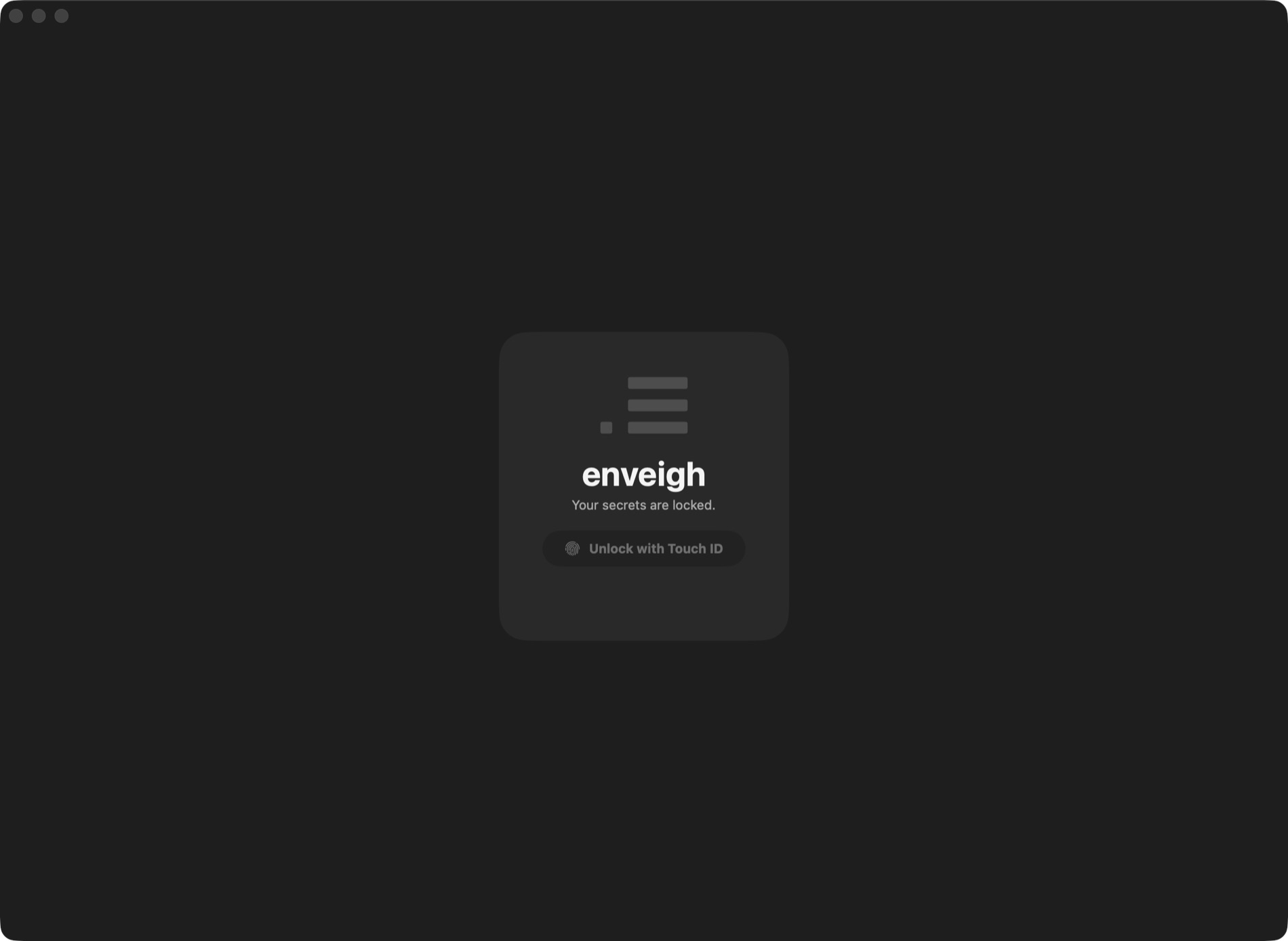
2. Unlock
The vault is locked by default. Unlock with Touch ID or your Mac password. The CLI and your agents work only while the app is running and unlocked.
3. Import your keys
Point the importer at a projects folder. It finds every .env under it, keeps the
credential-shaped keys (STRIPE_SECRET_KEY, DATABASE_URL, …) and skips plain config
(PORT, NODE_ENV). Each .env becomes an environment; identical values dedupe to one
shared secret.
When the import lands, enveigh offers to move the original .env files to the Trash:
the values are in the vault now, so the plaintext copies are just risk lying around.
Also worth scanning: Scan for leaks (in the sidebar) finds keys hardcoded outside
.env files (in source, configs, CI workflows, even your git history) and vaults them in
one pass.
4. Connect your agents
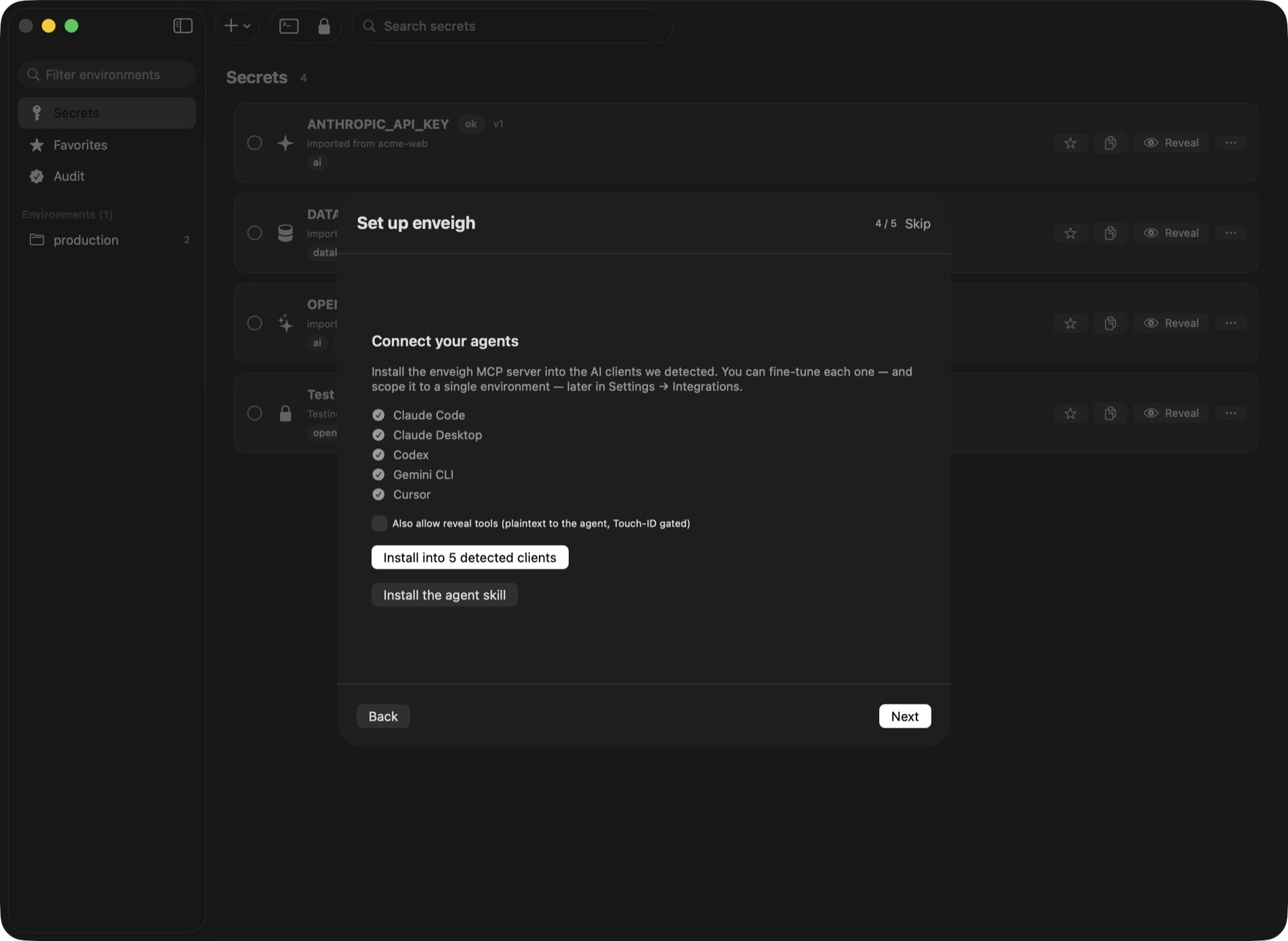
One tap installs the MCP server into every detected client (Claude Code, Claude Desktop, Cursor, Codex, Windsurf, Gemini CLI, …). Each client gets its own revocable token, which you can scope to a single environment in Settings → Agents.
If Claude Code's auto mode reports an enveigh tool as denied by auto mode, or Codex and
Gemini CLI keep asking before each call, open Settings → Agents → Manage… for that client
and turn on Pre-approve enveigh tools. enveigh writes the client's own allow setting;
Touch ID in the app still confirms every change. Details in MCP server.
5. Run something
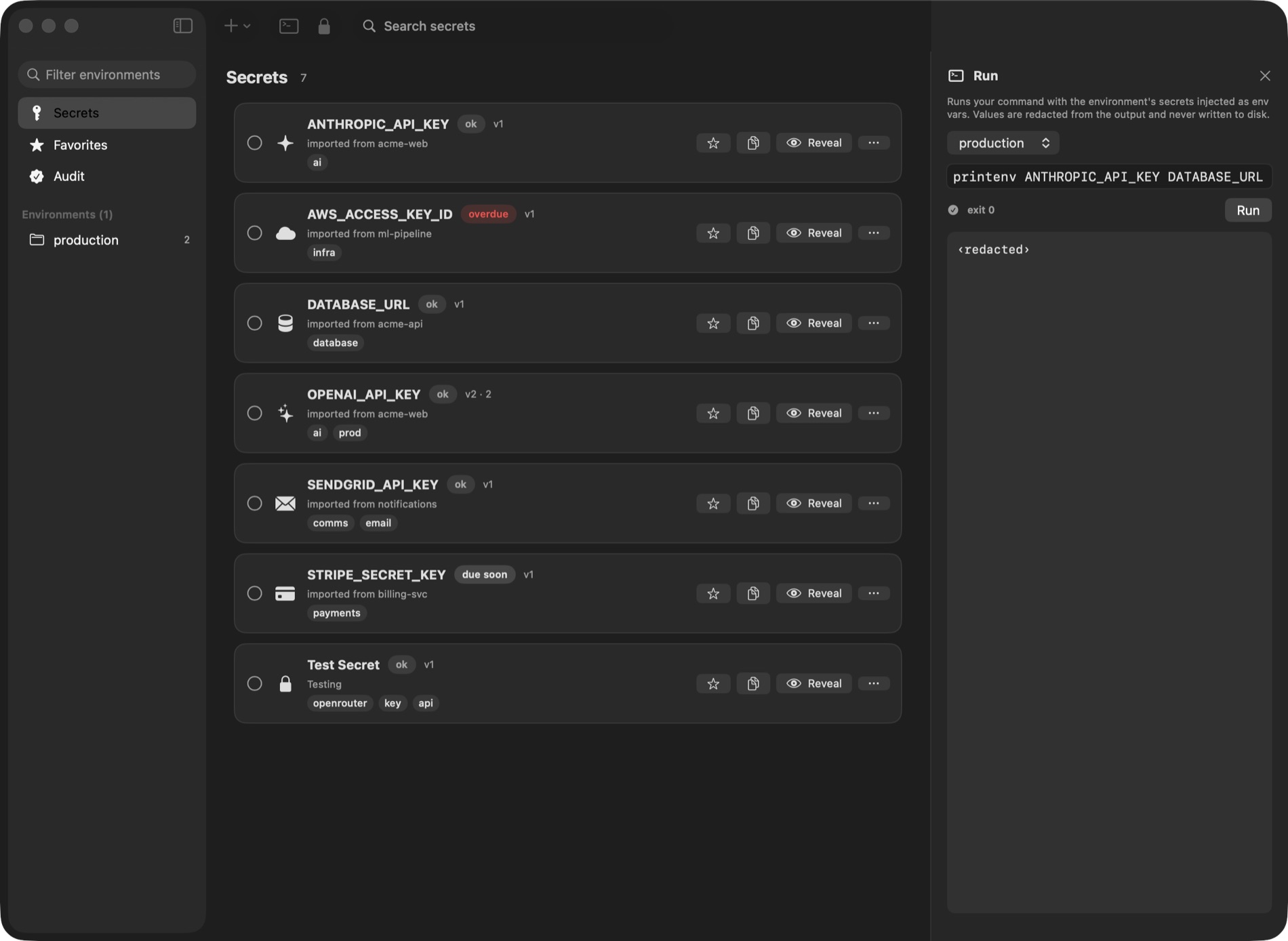
Ask your agent to run a task that needs secrets, or do it yourself from the terminal:
enveigh run --env production -- npm run deployThe command runs with the environment's secrets injected as env vars. When an agent does the same through MCP, the output it reads back has every value redacted.
Builds and dev servers behave exactly as they did with a .env file: same env vars,
same hot reload, no code changes. See Builds & dev servers.
That is the loop. Next: the CLI reference or the MCP server.